

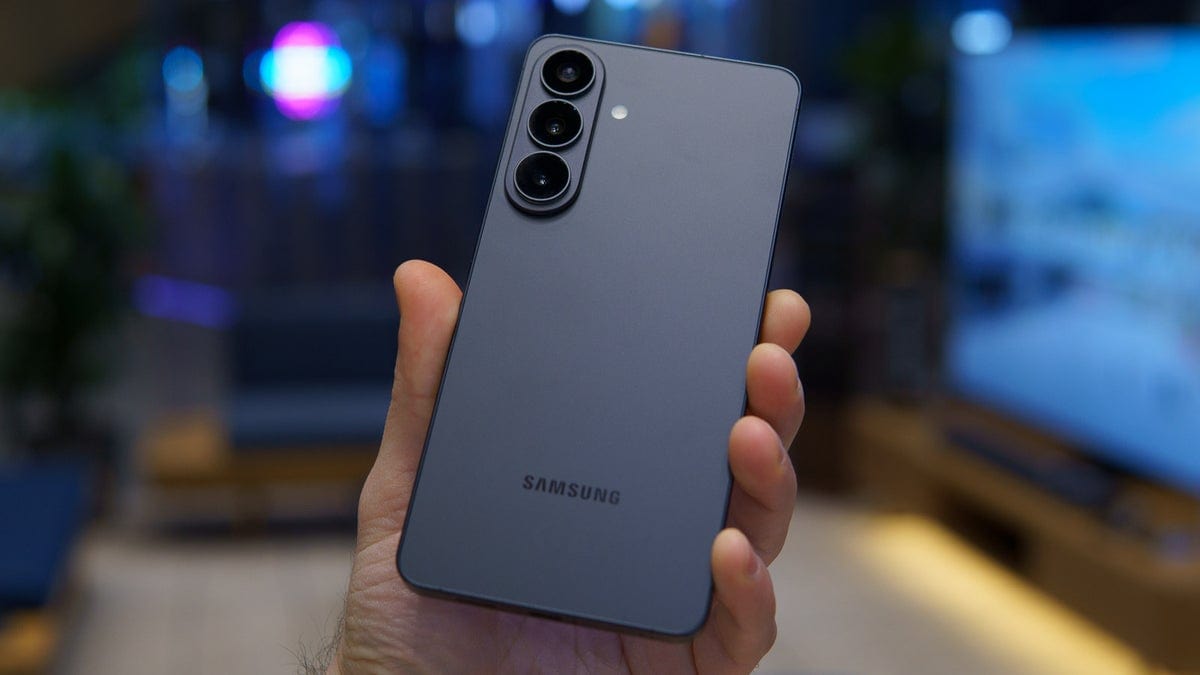
Samsung Galaxy smartphones and tablets have long missed a small but useful feature. Many Android phones, especially Chinese brands, already show live network speed in the status bar. Now, Samsung is finally bringing this option through its Good Lock customization app using the QuickStar module.
Earlier, Galaxy users needed third-party apps or root access to enable real-time network speed tracking. Some also relied on hidden firmware settings. However, this is no longer required for users on Android 17-based One UI 9. The update is currently available only as a beta for Galaxy S26 series devices in six countries.
This feature is tied specifically to One UI 9 support inside QuickStar. At this stage, Samsung has not confirmed whether older One UI versions will get it. As a result, availability remains limited to newer software builds.
To use this feature, Galaxy S26 users first need Good Lock installed. It can be downloaded from the Google Play Store or Samsung Galaxy Store. After installation, users must access the QuickStar plugin inside Good Lock.
The required QuickStar version is 15.7.00.27. If it does not appear in the Galaxy Store, users can install the APK manually. However, this method carries some risk and should be used carefully.
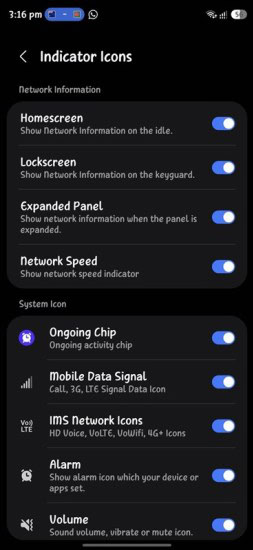
Once installed, users need to open Good Lock and launch QuickStar from the plugins section. After that, they should enable QuickStar features using the top toggle. Then they must open “Visibility of indicator icons.” Finally, the “Network Speed” option needs to be turned on.
After completing these steps, a live network speed indicator appears in the top-right corner of the screen. It shows real-time data usage directly in the status bar. This addition brings Galaxy devices closer to features already common on other Android platforms. It also improves system visibility for users who track mobile data closely.
